
ManualFlow
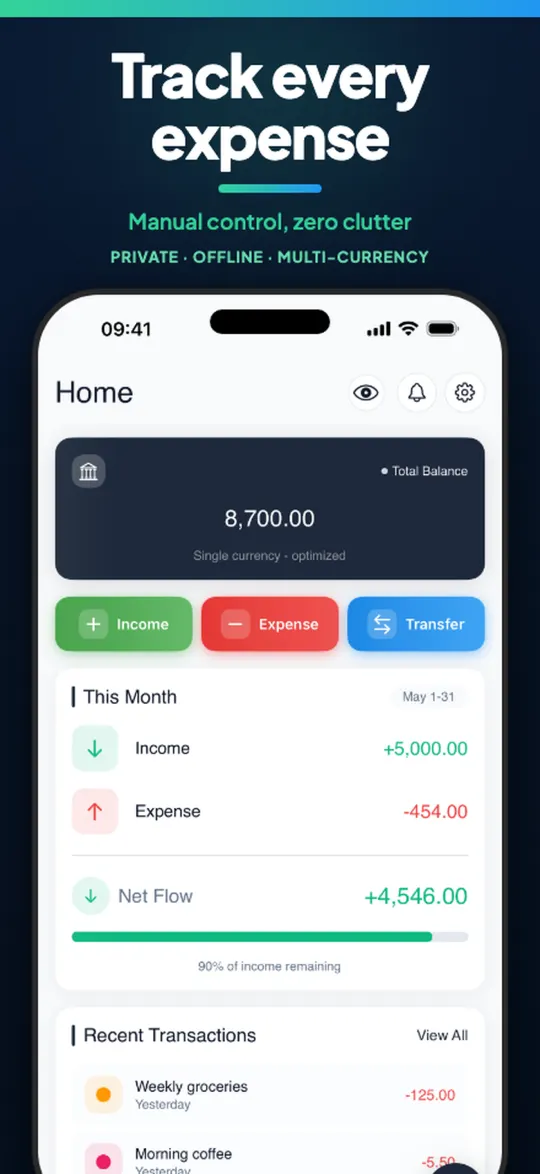
Track expenses, budgets and savings goals. Private and offline. Your data stays on your device.


What you get
Smart budgets
- Spending limits by category with alerts
- Real-time progress indicators
- Monthly and annual analysis
Simple expense tracking
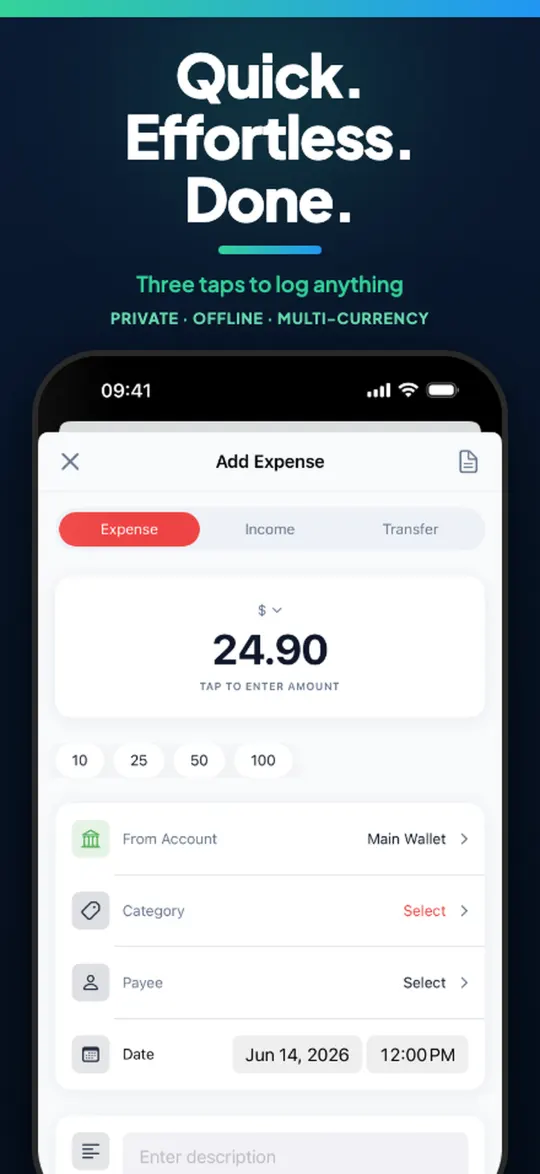
- Fast transaction entry
- 150+ currencies
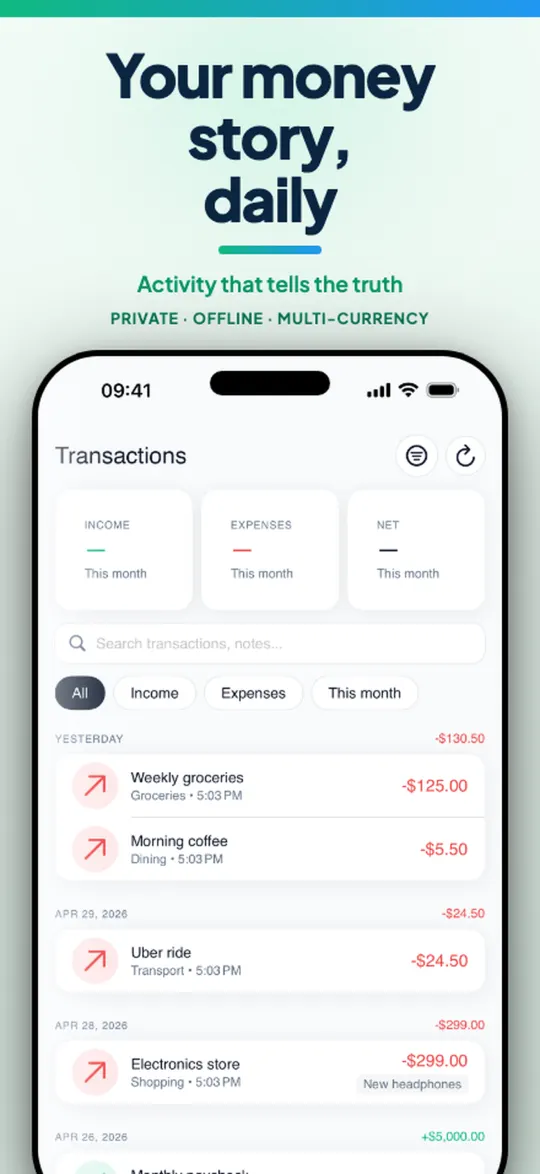
- Notes on every transaction
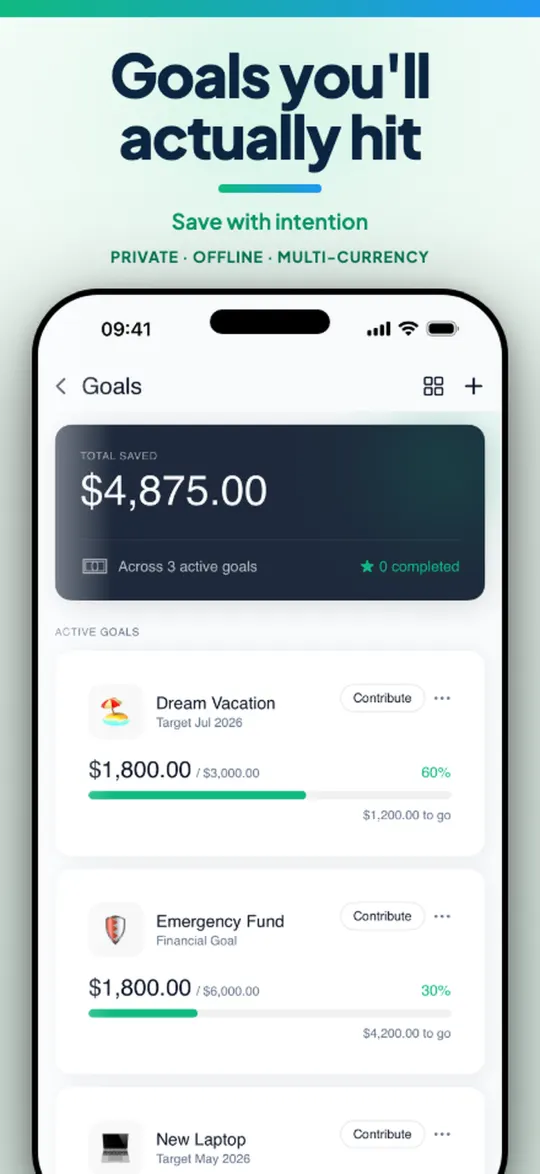
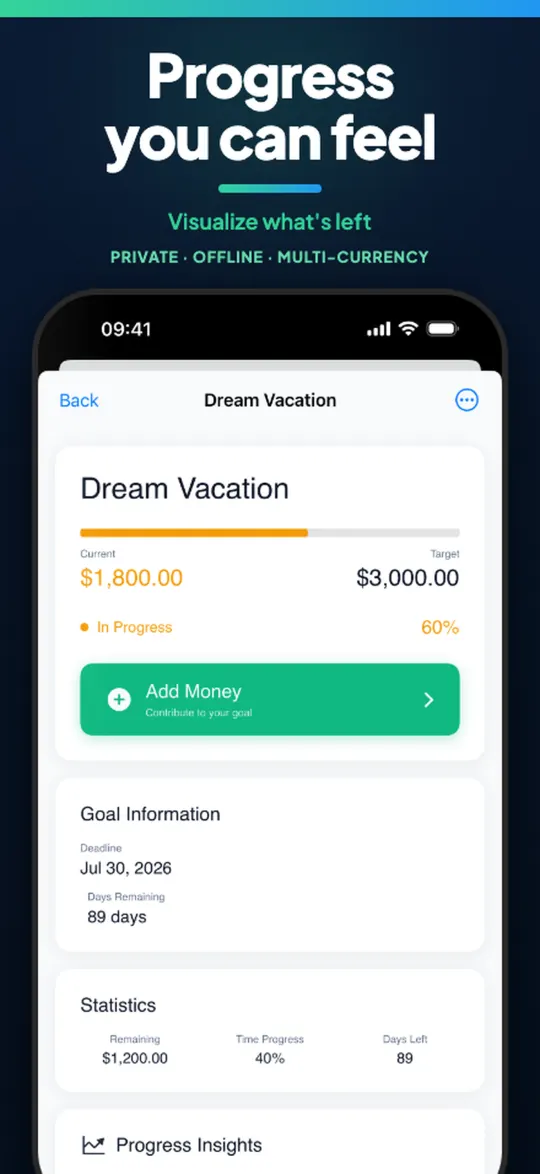
Savings goals
- Visual progress
- Savings, debt payoff and emergency funds
- Milestone celebrations
Analytics
- Spending breakdowns by category and time
- Monthly, quarterly and yearly trends
- Interactive charts
All your accounts
- Unlimited accounts: checking, savings, cash, credit cards, loans
- Balances and transaction history
- Transfers between accounts
Handy tools
- Recurring transaction templates
- Custom categories with icons
- Search, filters and bulk operations
- CSV and JSON export
- Dark and light theme
- Biometric app lock
Private by design
No bank linking. No account required. No third-party servers for your finances. ManualFlow is built for manual tracking: you enter what you spend, when you spend it.
Cloud backup is optional and goes to your own Google Drive or iCloud. See the privacy policy for details.
Questions
Do I need an account?
No. There is no registration.
Does it connect to my bank?
No. You enter transactions yourself, which keeps your data under your control.
Does it work offline?
Yes. It works completely offline. Cloud backup is optional.
Where is my data stored?
On your device. If you turn on backup, it is stored in your own Google Drive or iCloud.
Can I export my data?
Yes, as CSV or JSON. You can also back up and restore locally.
Which devices are supported?
iPhone and iPad, and Android phones.
Perfect for privacy-conscious users, families managing household budgets, and students tracking spending.